Create a Standard RSS Listing
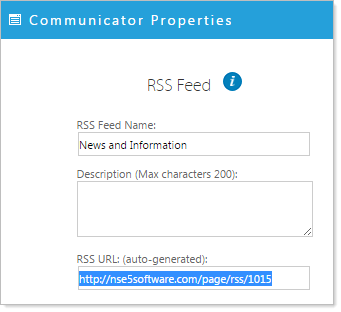
Highlight and Copy the RSS feed from the Communicator instance you would like to source.
Return to the page where you have place the RSS Feed widget
- Click the 'RSS feed properties' icon
 .
.
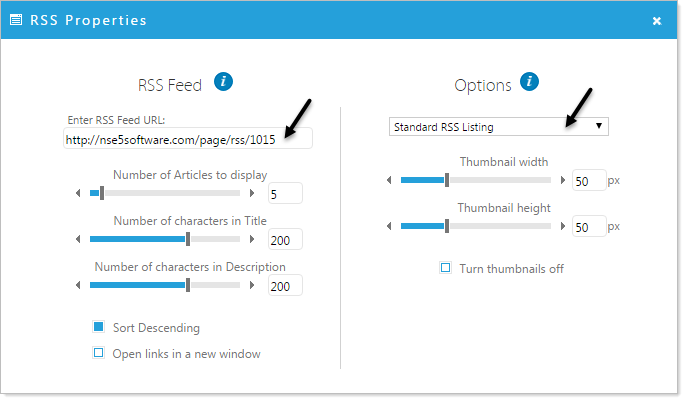
- Paste the link to your feed in the 'Enter RSS Feed URL' form
- Select the Standard RSS Listing options (the default) and configure your options, click 'Apply'
The RSS feed is now viewable in the Page Editor.