iCal (short for iCalendar) is a computer file format supported by a large number of products, including Google Calendar, Apple Calendar (formerly known as iCal), and Microsoft Outlook. Within ezTask Titanium you can upload an iCal (.ics) file to import calendar data or you can link/sync to another Calendar using the iCal calendar data exchange.
To upload content from another Calendar. Export and save the calendar content to an iCal (.ics) file on your local computer.
Uploading an iCalendar (.ics) file:
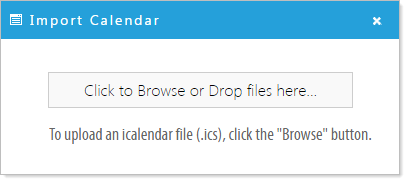
- Click the 'Import Calendar Events'
 button, then click 'Click to Browse or Drop files here...' and navigate to the location of your local iCal file and select.