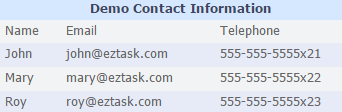
Quick Insert
Click the 'Insert Table' icon  .
.
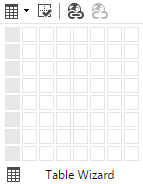
On the grid, select the number of rows and columns.
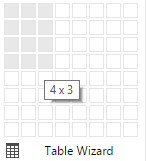
Re-size the table by dragging one of the white squares on the perimeter of the table.
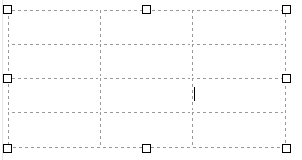
- You can type in a cell, add an image, or use other toolbar options.
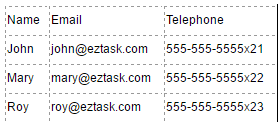
- Right-click on a cell to bring up table options.
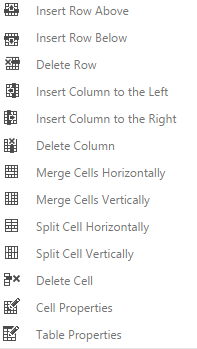
- Click the Show/Hide Border icon
 to toggle the table border.
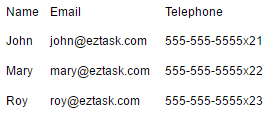
Using the Table Wizard
- Click the 'Insert Table' icon .
- Click the Table icon to the left of the 'Table Wizard' text.
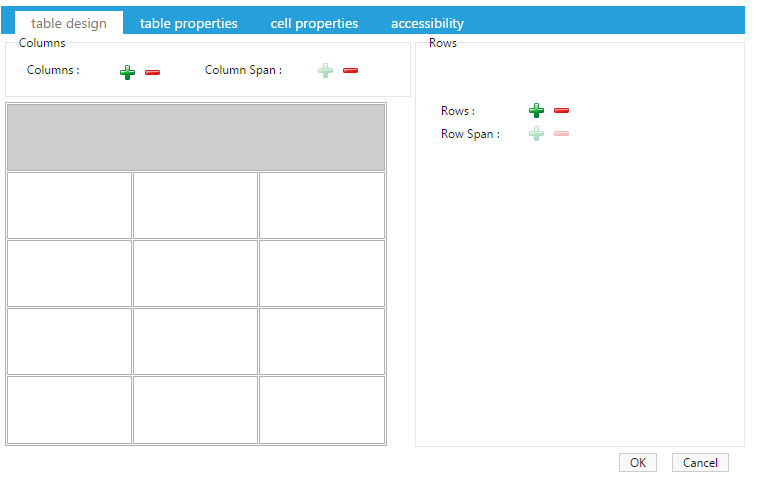
- Configure your table in the table wizard.
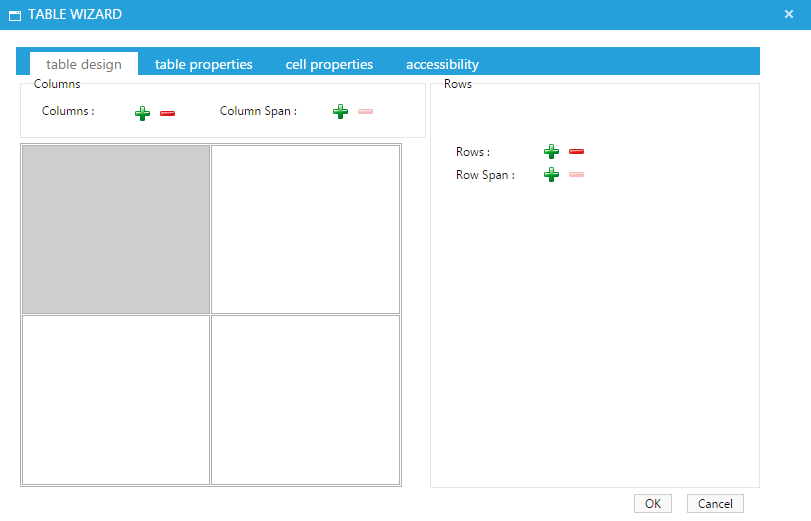
- Add three rows, one column and two column spans to the top row.
- In the 'table properties' tab select the 'telerik-reTable-1' CSS Class Layout.
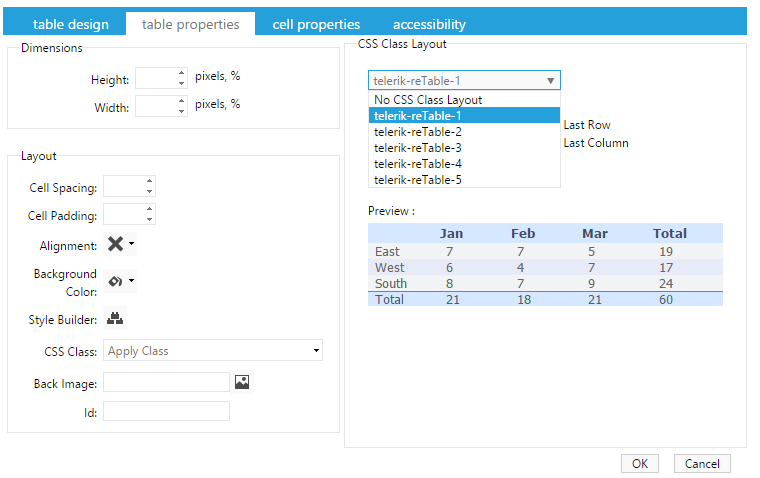
•Select 'OK'.
•Fill in your table accordingly.