Whether or not the submissions of the form are being emailed to someone, you can click on the Reports button and download a data file of the submission for that report.
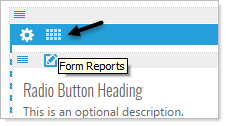
Click on the Form Reports icon in the top blue bar.
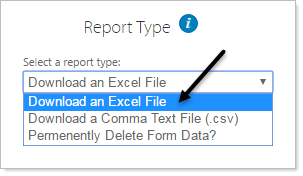
The Form Report pop-up will appear and you can select the format of report to download or delete all the data from the form submissions.
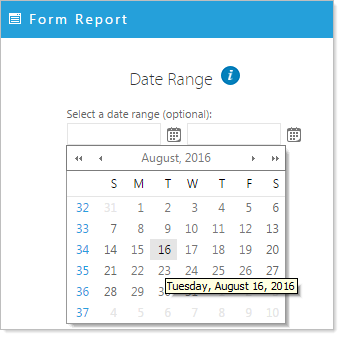
You can also specify a date range to report on by selecting the Date Range option at the top left of the Form Report window.