Adding a Record to a Directory
You can add a new record to an existing Directory using the Titanium interface in Design mode.
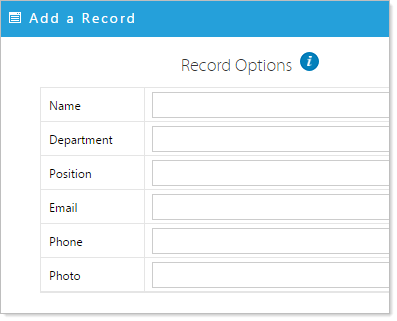
Click on the Add a New Record icon  in the blue bar an Edit a Record pop-up will appear. Fill in the blank fields for this record and click Apply to save the record. Leaving a blank field in the record may alter the appearance of the Directory.