Aggregated, multi-layered calendaring permits users to manage one or multiple calendars with Google Calendar™, Calendar for Mac OS X, Microsoft Outlook™, or any client that supports standard iCal formatting. Visitors can download, subscribe to, and or print customized calendars with just those events they want to see.
With the Calendar module you can:
- Import events: Import an ICAL file from Qutlook or any other calendar that exports to the ICAL format.
- Manually add events: Right click on the desired day and simply choose "New appointment".
- Group and color code your events: Choose the calendar settings icon to add a new group. Group examples: Holidays, Closings, upcoming events, etc.
- Add Recurring events: Choose event details to set recurring options.
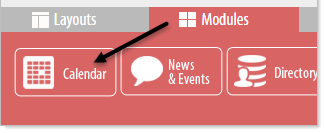
To begin using the Calendar module click on the Modules tab at the bottom of the page and then click and drag the Calendar Module to the desired location.