There is one option for the Mega Menu Module :Edit this Menu
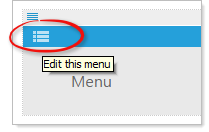
Expect the following options to appear in the “Edit dialog”.
- Edit menu items: by default the first menu item is labeled “Menu”. Right click on a menu item to add a menu item “above” , “below”, “submenu item” , “edit”, or “delete” this menu item. To reorder menu items, click and drag item to the desired location.
- Additional options include: Enter “Menu text” and “alt/title” tags. Link item to a web page and link to a file (not working at this time). Manually enter a URL and choose option to “open the link in a new window/tab”
- Also choose “Column” (1-5) for the parent item.