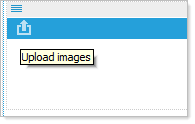
Initially there is one option :Upload images
Once you have loaded image there are four options :Upload images, Edit this image, Image Properties, and Delete this image
 Upload: Upload one image, either by dragging and dropping, or by browsing your local filesystem. To replace existing image, upload another image.
 Image editor: Resize, color, crop, and/or rotate the image.
 Image Properties: Add Alt/Title tags, Link to a file, link to a URL, Open link in a new window, and or create a rollover.
 Delete Image: Delete the existing image.