Sorting Pages
There are two options for sorting or grouping your webpages for easy management.
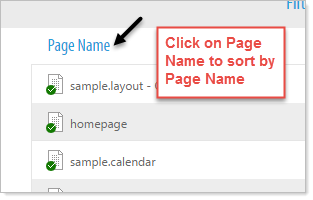
- Click on the Blue column name at the top of each column to sort by that column alphabetically. You can sort or group by Page Name, Group, Status, Modified date, Published date, and Modified By.
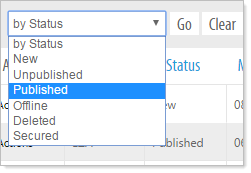
- Additionally, you can group your pages by clicking and selecting from the 'by Status' option at the top of the Project Manager.