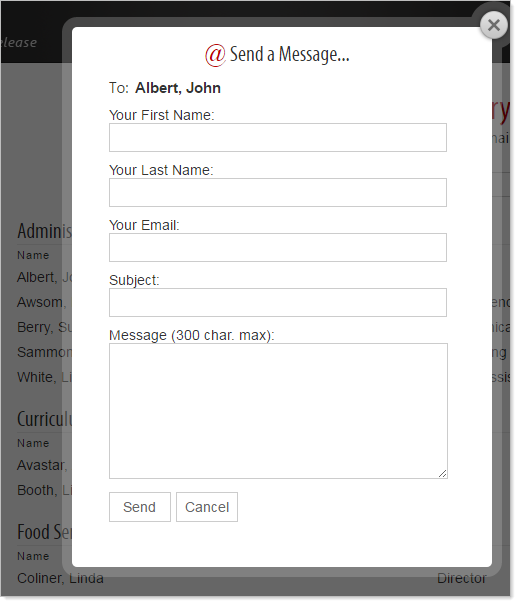
Secure email is used to link to an email address without revealing the email address to your audience. A properly configured Directory will provide your audience with a pop-up form to complete and submit as an email without exposing the recipients email address.
How To Configure Secure Email
1. Click on the 'Directory Settings' icon  .
.
2. In the 'Email' column, set the 'Get URL from' field to 'Secure Email' and 'Display' to Select 'Hide This Column'.

3. In the 'Name' column, set 'Get URL from' to 'Column 4' (the location of the email address in the previous step).

4. Click 'Apply' to apply settings.
Now, if you preview the page, you can click on a name in the 'Name' column, and it will bring up a Secure Email form.