Cut and paste text from Word or Notepad or simply type in the desired content. Format the content by applying a CSS class from the dropdown. Add a table, create a hyperlink, add an image and more.
Add a Text Editor
Click on the Text Editor Widget and drag it to the desired location.
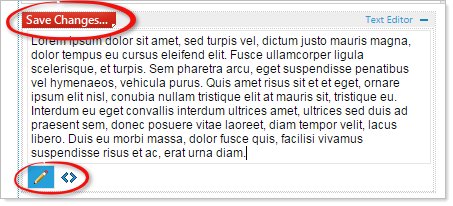
Here is the Text Editor in a webpage.
NOTE: There is no blue bar at the top of the widget.
Always Save your Changes, the changes you make in the Text Editor are NOT automatically saved.
At the bottom of the Text Editor are the 'Design'  and 'HTML'
  icons.
Use 'Design' to use the standard functions of the Text Editor.
Use 'HTML' to edit the content of the Text Editor directly as HTML (for advanced users).