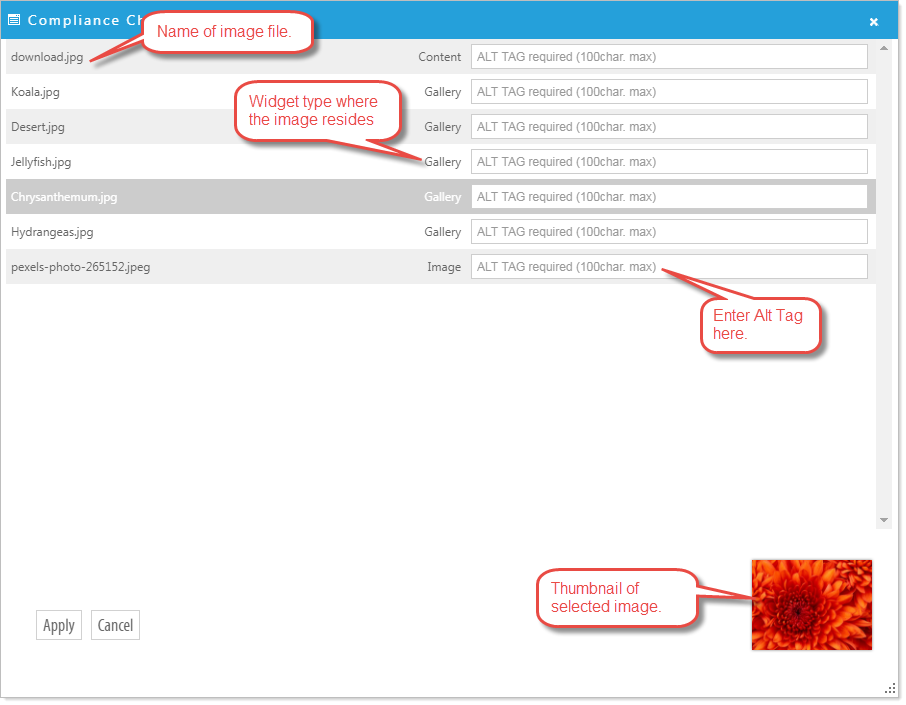
The Compliance Check feature of ezTask Compliance Assurance is designed for content contributors and determines missing Alternative Text for all images.
There are two ways to check for missing image Alternative (Alt) tags on a webpage.
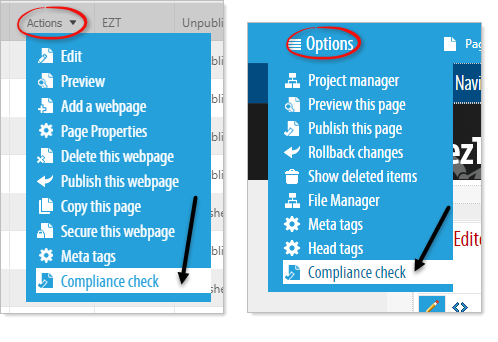
1. Select 'Compliance Check' through the Actions options for a specific page in the Project Manager or through the Page Options menus as you are editing the page.
2. Select 'Publish this Page', either from the Actions options in the Project Manager or in the Page Options while editing a page.
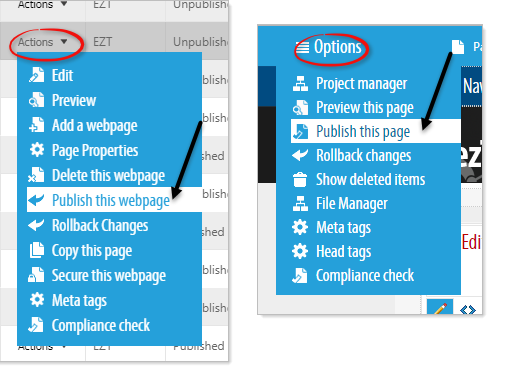
Note: A web page cannot be published without all images having Alt tags.
Any of the above selections will return a list of images that require Alt tags for that page. As you complete a required Alt tag that image is removed from the list. Once all images are labeled the page can be published.