Getting Started
- Click on 'Site Map Settings'
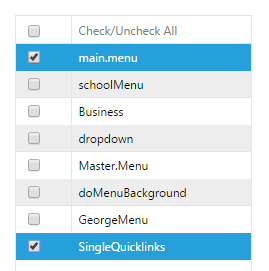
- Select the Sources, whose links will be used to populate the site map (menus and quicklinks are frequent sources of site navigation links).
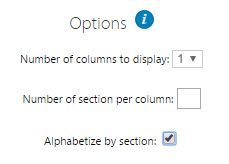
- If you would like to set the number of columns, the number of sections per column, or alphabetize by section, set those options, and 'Apply'.
The site map will now be viewable in the page editor.