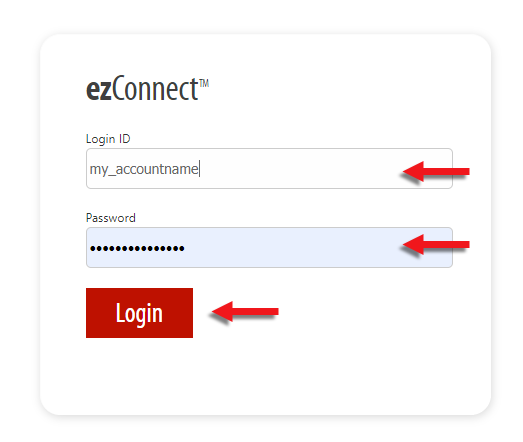
Logging in
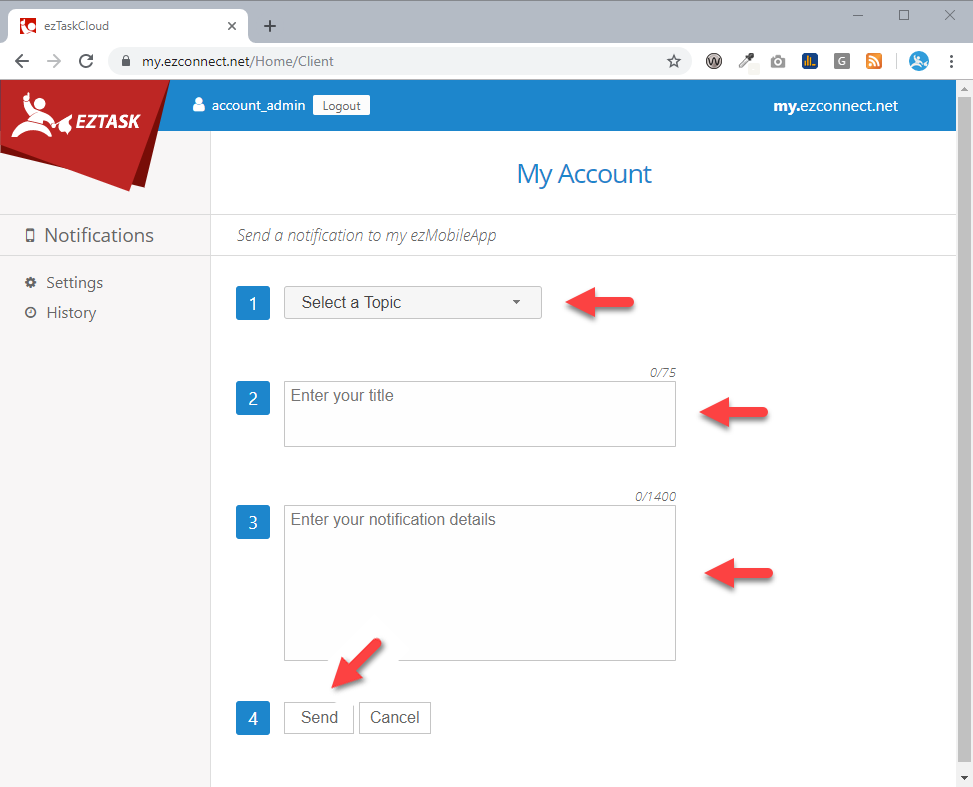
Send a notification
- Step 1: Select a topic
- Step 2: Enter your title (75 characters max. – use no special characters or carriage returns)
- Step 3: Enter your notification details - (1400 characters max. – use no special characters or carriage returns)
- Step 4: Click Send
Note: Make sure you have proofed your notification before clicking send! Once you click send, the notification is sent immediately.
Changing your password
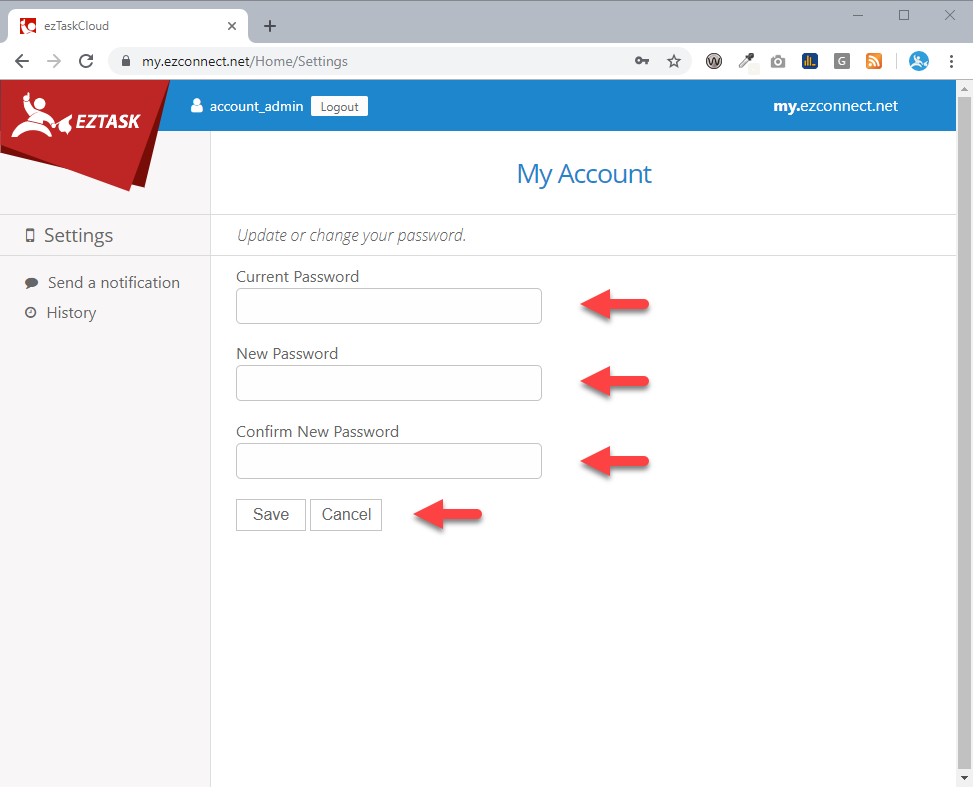
- Select “Settings” from the left menu
- Enter your current password
- Enter your new password
- Confirm your new password
- Click Save