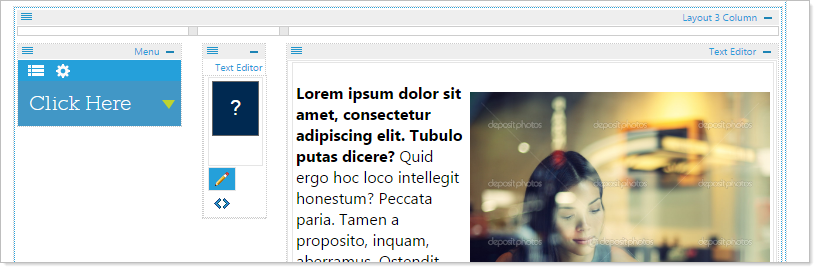
Select a Three Column Layout to divide the outside container into three sections. The width of each section can be customized.
Begin by clicking on the 3-Col Layout and dragging it to the desired location.

Adjust the width of the divisions by clicking on the dividing bar (turning it blue) then dragging it to the desired width. You can adjust the width at anytime.

Drop additional modules, widgets, or layouts in each drop zone of your three column layout.
Here is an example of a Text Editor with an image and Dropdown list inside a three column layout.