Folder and Document Sorting
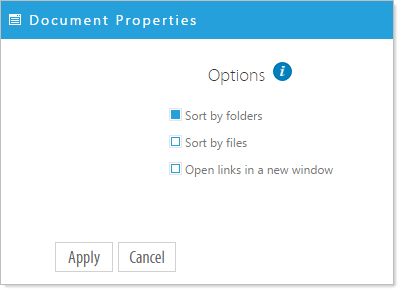
Click on the Document Properties to set the Folders and/or Documents to sort when viewed. Items are sorted alphabetically. If not sorted the files appear in the default view: the order in which they are uploaded. You can manually change the order of documents by clicking on the document icon and dragging it to the desired location in the list.
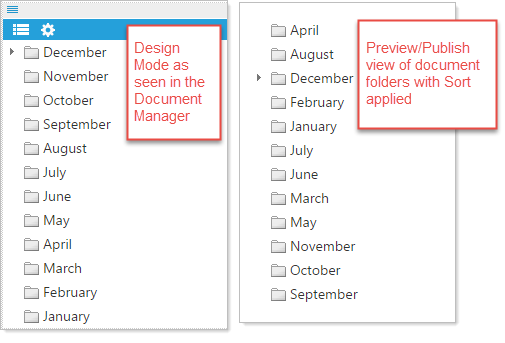
NOTE: When folders and/or documents are set to sort, the sort is only applied to the preview/publish view and not to the document manager as seen in the following example.
Manually changing the order of documents and folders
As stated you can manually move a document or folder by clicking and dragging the icon to a new location.