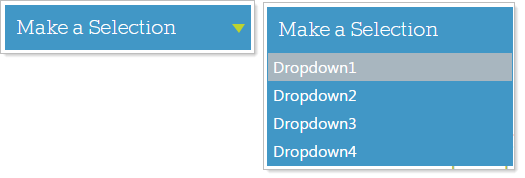
The Menu Module provides four different ways to display your menu navigation:
Horizontal, Vertical, Panel Bar, and Dropdown List
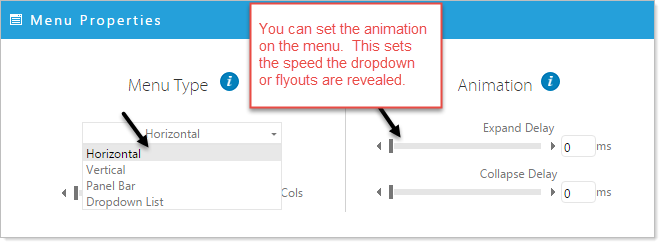
Select the Menu Type
•Click on the 'Menu Properties' icon 
•Click on the down arrow under Menu Type and Select the type of menu you would like to use.
Menu Type Examples
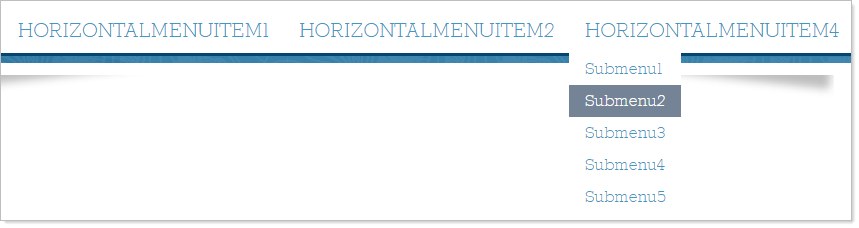
Horizontal Menu - Typically used as the main navigation menu across the top of a website
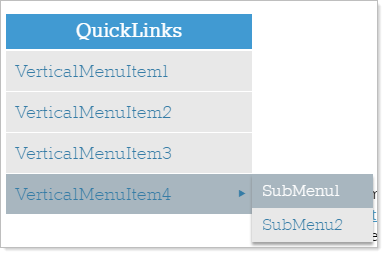
Vertical Menu - Often used as quicklink navigation in a website sidebar.
Panel Bar Menu - Similar to quicklinks and used in sidebar navigation, the Panel Bar submenu items fold and unfold by user interaction.
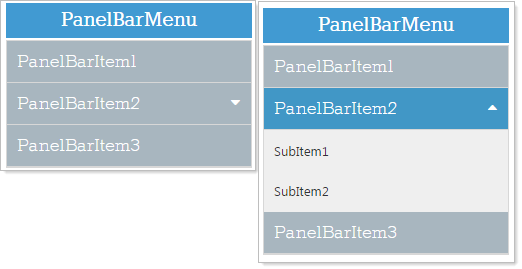
Dropdown List - Can be used within the main content of a website and provide the user with a dropdown selection.